Skip to content

Run email campaigns right where you sell

Create email campaigns in minutes, send them to your audience, and see exactly how much each one made you - all directly from Easytools

Easymail creator for composing email campaigns

Key features

Everything you need to run email campaigns

1

A simple but powerful editor

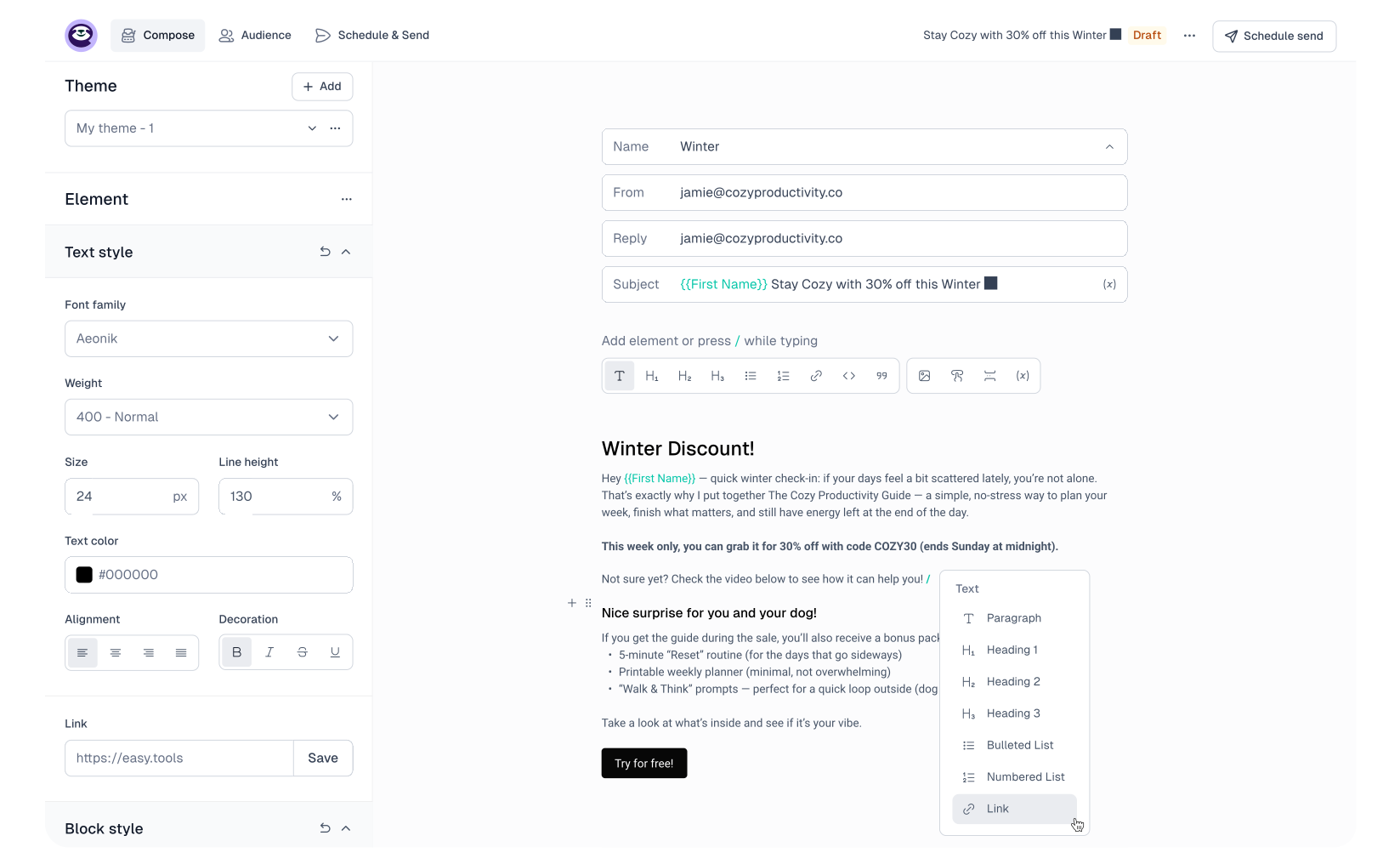
Build clean emails fast with the elements you actually use - no surprises, no fighting the layout.

  • Write and format with ease - add text, links, images, buttons and more.

  • Create and reuse themes to build faster and keep emails consistent.

  • Only the essentials - simple to use, with features you actually need.

Get started
Easymail editor for creating email campaigns with ease
2

Powered by your sales data

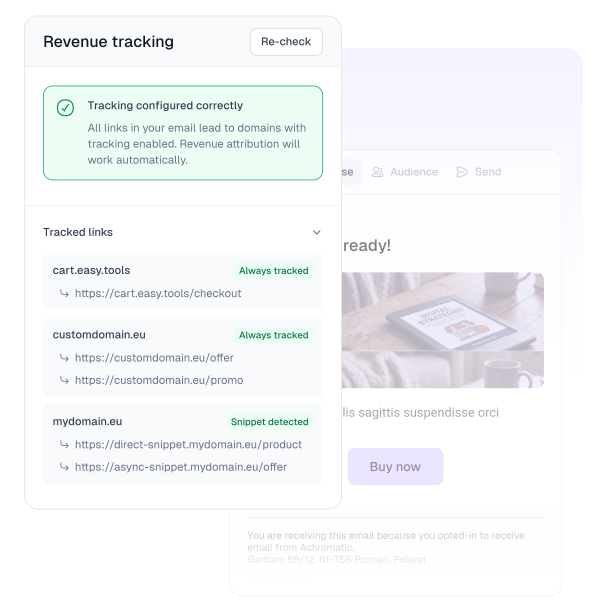
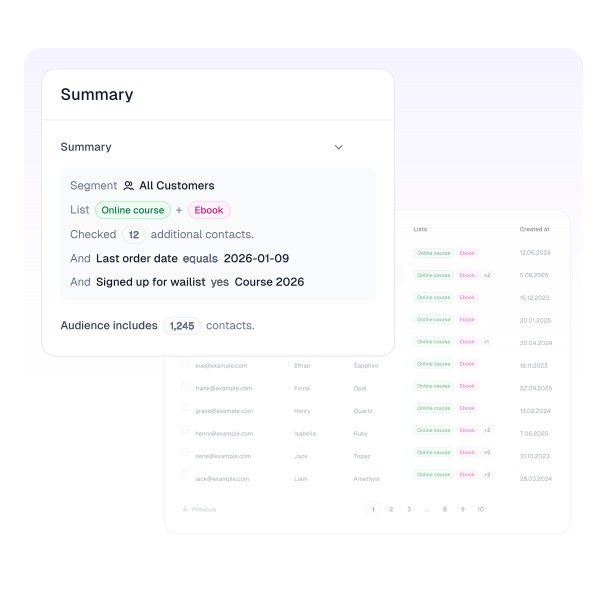
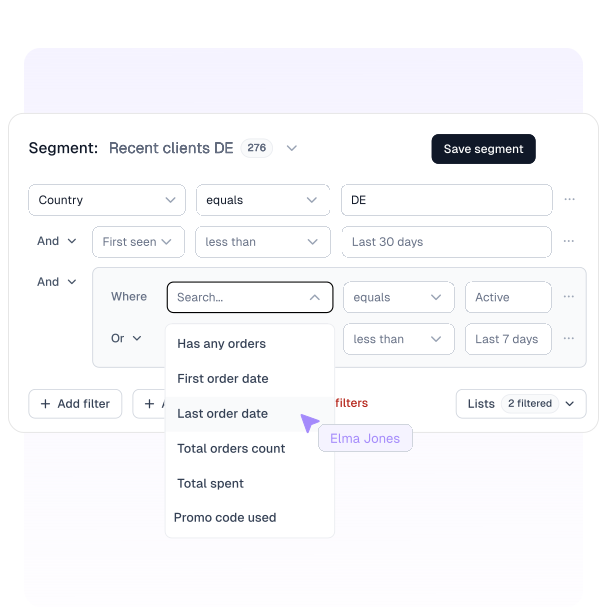
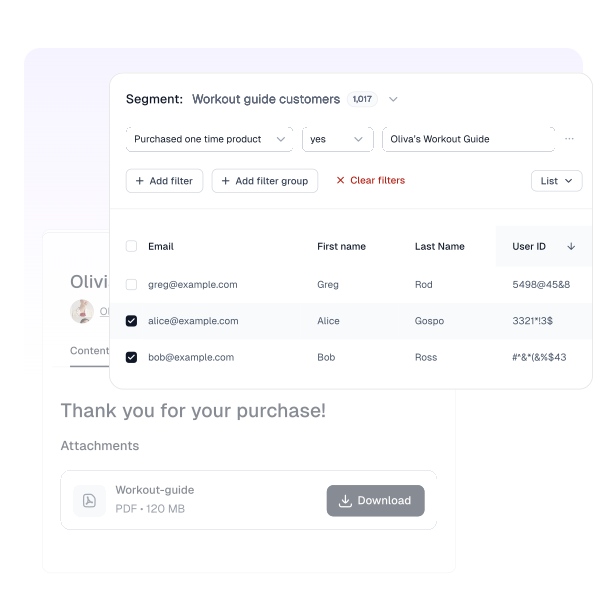
Filter your audience by their purchase activity, and see what your campaign actually earned - without integrations.

  • Target by purchase data - products, order dates, promo codes, spend, and more.

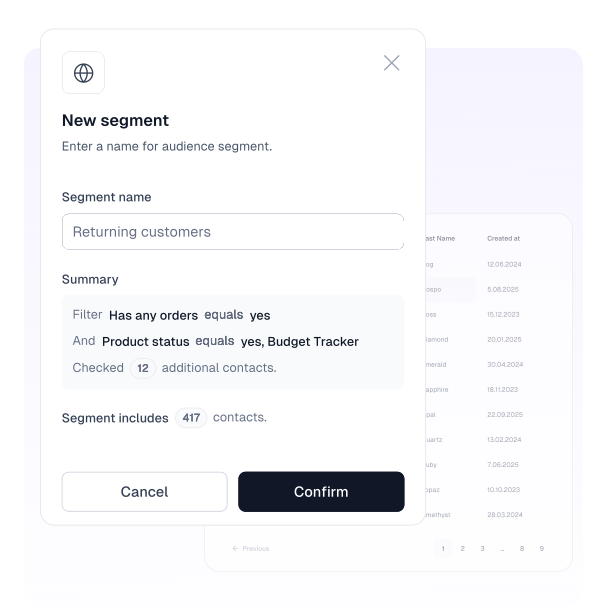
  • Use smart filters and save any audience as a segment for later.

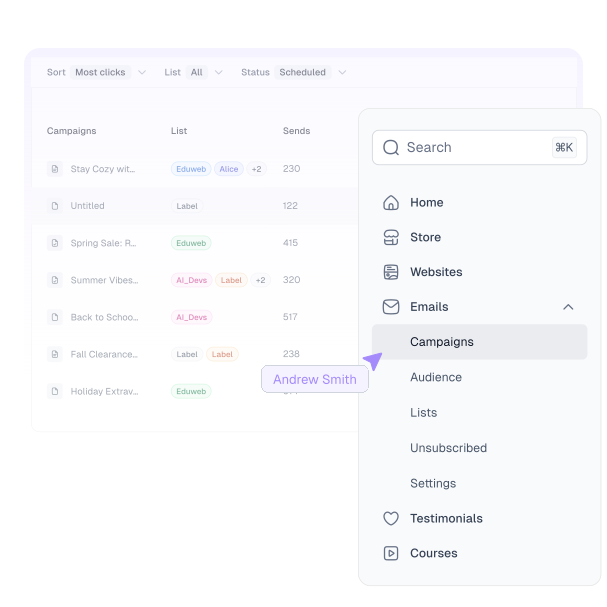
  • See revenue per campaign with automatic tracking for checkout links.

Start now
Easymail revenue tracking and smart filtering based on your sales data
3

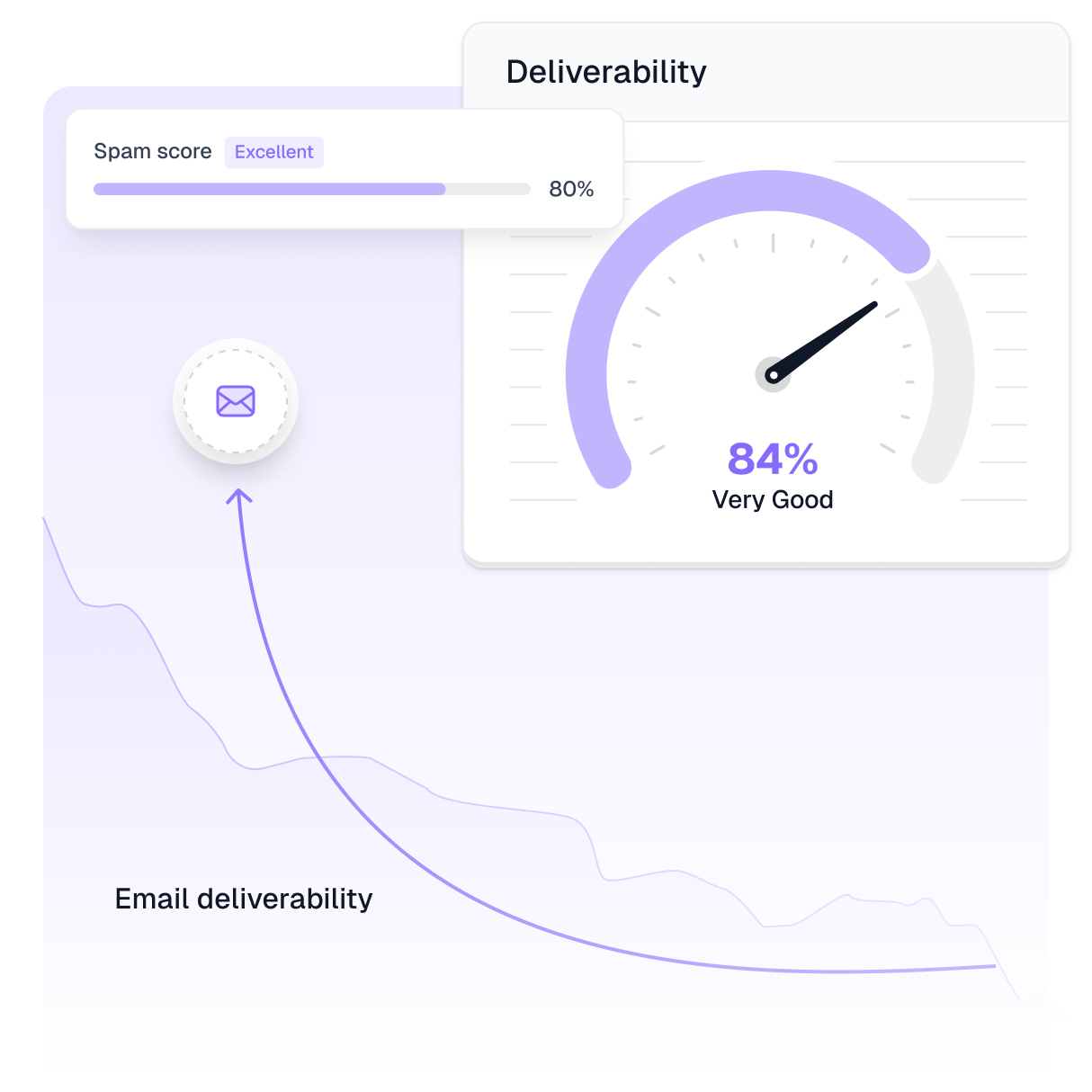
Deliverability, handled

Sending is easy. Reaching the inbox is the hard part - and we take it seriously.

  • A solid sending setup built for consistent delivery.

  • Automatic list cleanup for unsubscribes.

  • Smart sending basics that protect your sender reputation over time.

Start now
Easymail built-in spam score and mechanisms for high deliverability

Feature highlights

Email campaigns, powered by your sales data

Pick the right people based on what they bought, send campaigns from where you sell, and track revenue - no integrations needed.

Revenue trackingConnected to your salesSmart filtersSave audiencesCampaign dashboardSend where you sell

Wall of love

We helped over 4000 creators earn more than 200 million

We serve busy content creators, founders, makers and builders all over the world. But you don't need to take our word for it - here's what our users have to say:

The best place to sell your digital products. All you need is an idea or a skill to create a digital product or sell a course. Easytools will take care of everything, from a high converting checkout to fast payouts.
Hasan Toor Hasan Toor AI Educator & Writer
I was looking for a platform for my Build with AI courses and I found Easytools which allows me to sell digital products. It's a Gumroad alternative. They've built something truly special for creators like us. Low fees, better tools, and a focus on our success. Check them out!
Melvin Vivas Melvin Vivas Founder @ DonvitoCodes
I have been using Easytools almost since its inception. The tool is so good that I am implementing it with more customers.
Marcin Kwintkiewicz Marcin Kwintkiewicz Founder @ Kwintesencja
Amazing set of tools that helped me sell out conference tickets, and my workshops. Totally worth it!
Kate Ubysz Kate Ubysz Co-organizer @ Leniwce HR & Growth Meetup
We have been using Easytools for over a year in a few different businesses. The contact with the team and their responsiveness to us as customers has been exceptional. I always felt we were heard. On top of that, the cart is super easy to use and integrate with.
Michal Stanislawek Michal Stanislawek CEO HearMe.ai

FAQ

Questions about Easymail

Questions before you send your first campaign? Browse the FAQs below. And if you don't see your answer, just message us - we're here to help.

What is Easymail?

Easymail is Easytools' built-in tool to send email campaigns. You write the email, choose who gets it using real sales data (or imported contacts), send, and track results - including revenue. All in one place, with no integrations, and no hassle.

How is Easymail different from other tools

Easymail lives inside Easytools, so it's powered by your real sales data automatically. You can target buyers based on what they purchased and track revenue per campaign - without stitching together integrations.

Can I email buyers of a specific product?

Yes. You can target campaigns using purchase-based filters (for example: bought product X, bought a free product, used promo code Y, spent over a certain amount, etc.).

Do I need to import my customer data to Easymail?

No. Everyone who bought from you through Easytools is synced automatically and ready to use in your campaign audiences. You only need to import contacts if you want to email people who haven't purchased yet or who bought from you on another platform.

Can I import my own contacts?

Yes. You can import contacts and use them in your campaigns. Just note: purchase-based filters only work for people who bought through Easytools.

How does revenue tracking work?

If your email includes Easytools checkout links, you can enable revenue tracking and then see how much each campaign made you in your campaigns dashboard.

Can I send from my own domain/email address?

Yes. To send campaigns with Easymail, you'll add your own sending email/domain (like hello@yourdomain.com). It's a must-have - and it keeps your campaigns branded and consistent.

Can I use Easymail for newsletters too?

Sure. If you just want to send an update to your full subscriber base (or a part of it), you can simply skip filters and segments and send your campaign.

Start now

Take it easy with Easytools

Focus on creating, and let Easytools handle the behind the scenes work.

No coding · No credit card required · Built on Stripe