You can use Easytools to sell your products and control access to your subscriptions on Kajabi. Simply set up an automation scenario to activate or deactivate Kajabi offers.
Integration with Pipedrive
To create automation with Pipedrive, you will need to enter our API key. You can find it in your Pipedrive account settings.
1. Go to the Store -> Automations section. 2. Select Apps from the top menu. 3. Click +New app in the top right corner. 4. Enter the connection Name and choose Pipedrive from the list of applications. 5. Enter your API key 5. Click Check connection. 6. Save the integration.

Configuring automation
After your customers makes a purchase, Easytools allows you to add them to your Pipedrive CRM either by creating a deal, a lead, a person or an organization. To create an automation scenario triggered by Order completed event:
1. Go to the Store -> Automations section. 2. In the top menu, select the Scenarios tab. 3. Click +New scenario in the top right corner. 4. Enter a Name. 5. In the Event field, select Order completed. 6. Assign the Product and Variants for which you want to run the scenario. 7. In the Select app field, select the previously created Pipedrive integration.
You can also create a new integration at this stage by selecting Connect new app, which will guide you to create a new connection.
8. In the Select connection choose Pipedrive9. Choose Action from the list. 10. Click Save.

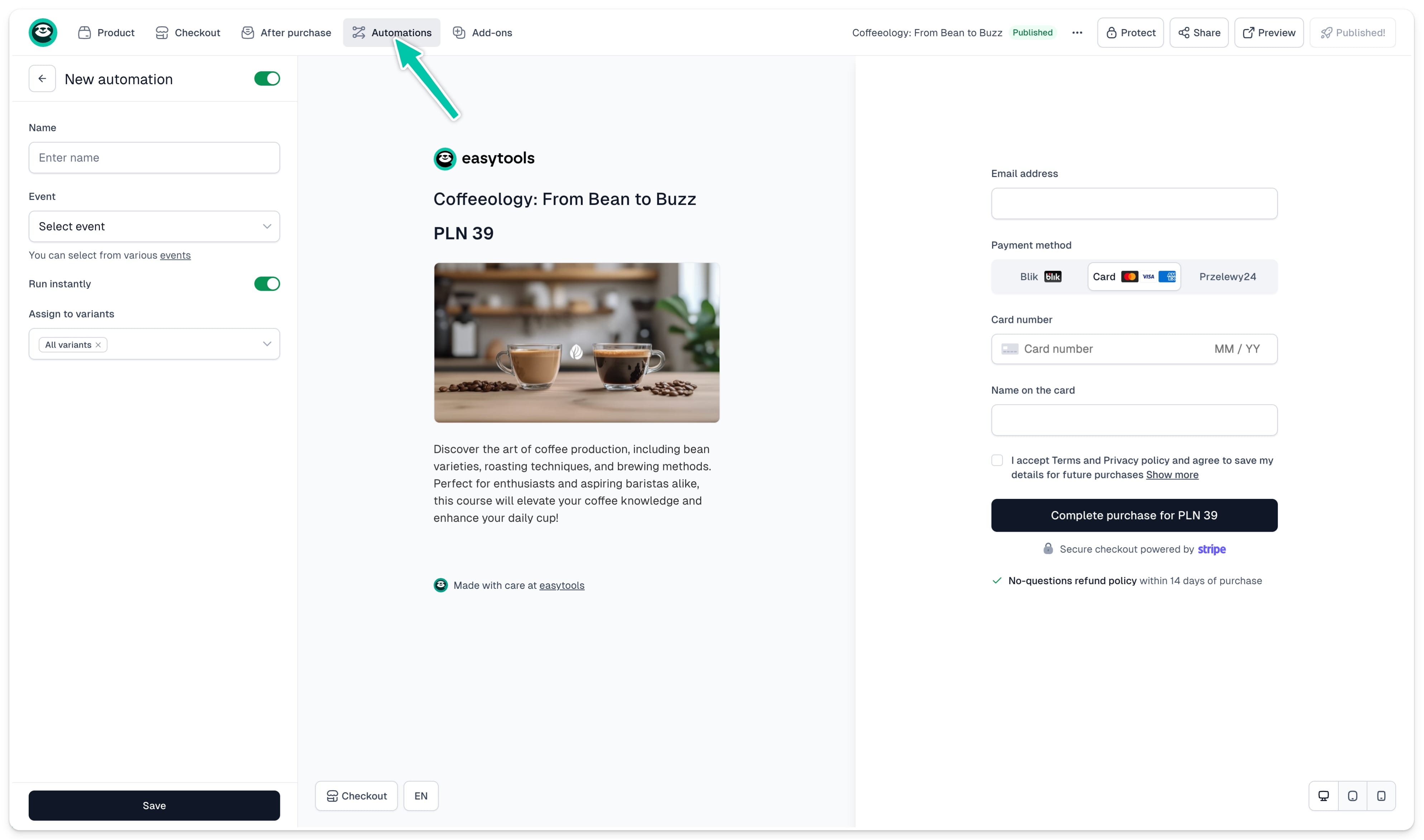
You can also create the scenario in exactly the same way in your checkout configurator:
- Go to Store -> Products.
- Open your product.
- Click on the Automations tab in the top menu.
- Click +New.
- Follow the same steps described above to set up your automation.