Configuring a cookie banner with Easycookie is super simple and just a few clicks away. To create your banner:
- Click this link or go to the Easytools panel and open the Cookies tab.
- Click +New Cookie.
- Name your project.
- Click Create.
And that’s it! Now, let’s configure your banner.
Basic settings
Start by setting up the basic version of the banner. In the Cookie tab, enter all the content – you can set:
- Title
- Description
- Accept button label
- Adjust button label
- Show Learn more button (usually leading to privacy policy)
- Add Learn more button Label and Link
In this view, you can also decide whether to display an additional consent adjustment window.

If you disable showing consent adjustment window, the Adjust button will simply close the window asking for cookies.
If you want to completely remove the Adjust button simply delete the text in Adjust button label field.
Consent details
Next, move to the Consent Groups section where you’ll set up the details for each consent you ask from your users.
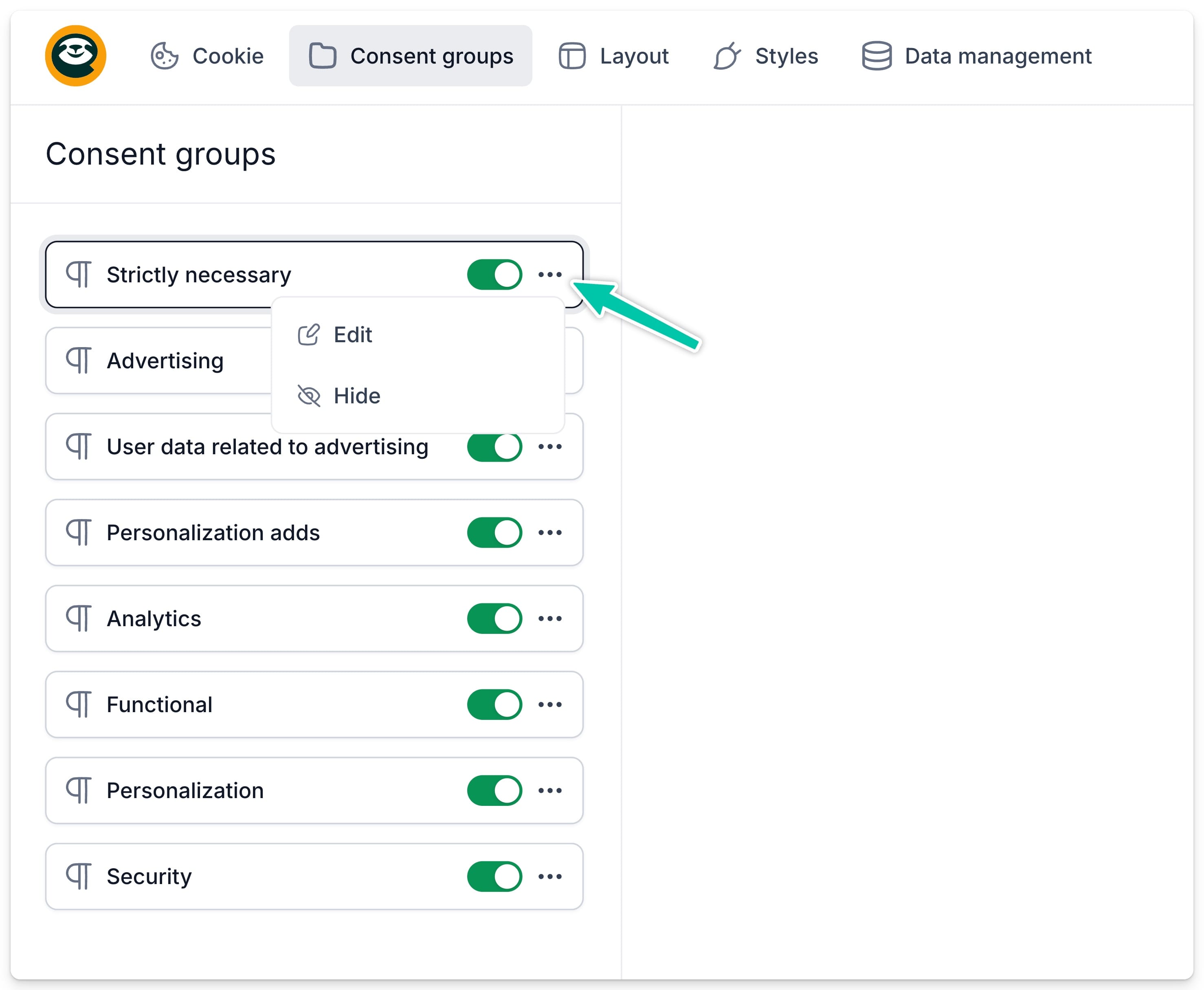
Available consent types you can add to your banner:
- Absolutely necessary
- Advertising
- User data related to ads
- Personalized ads
- Analytical
- Functional
- Personalizing
- Security
You can hide any consent and also edit its label and tooltip content.
Banner layout
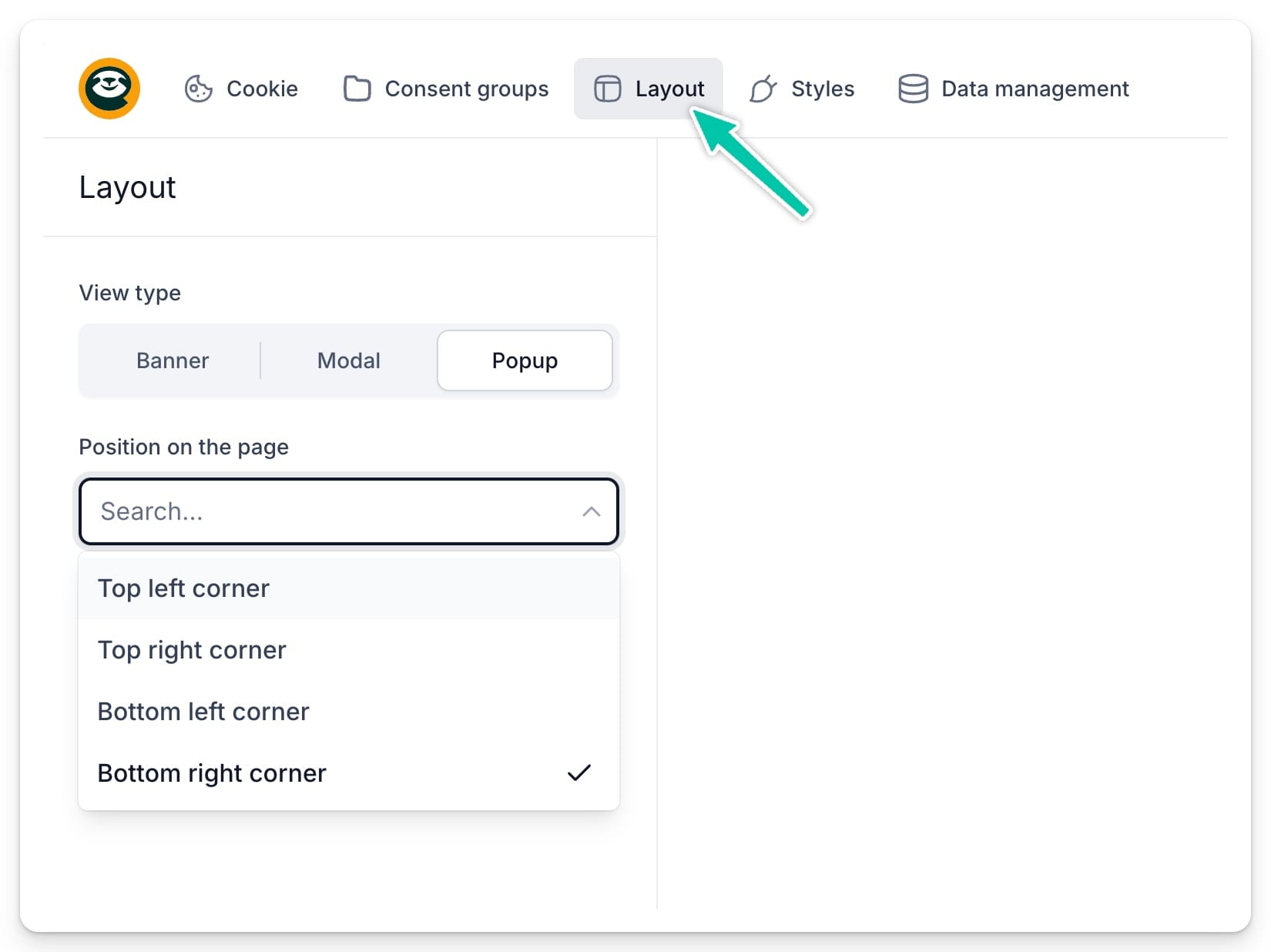
In the Layout tab, you can choose where and how the cookie information will display on your site. Three view types are available:
- Banner – you can specify its position (top or bottom of the page) and width (full or floating).
- Modal – a cookie notification that appears in the center of the page, preventing further browsing until an action is taken.
- Popup – a pop-up window that can appear in a selected corner of the page and won’t prevent interaction with the site.
Banner style
You can also tailor the banner’s appearance to match your website. Choose from ready-made style and color themes, or define all details yourself, like font, background color, text color, and button background.

All changes you make will be visible in real-time in the preview.
Once you’re happy with your banner, it’s time to move on to adding it to your site and configuring consents.