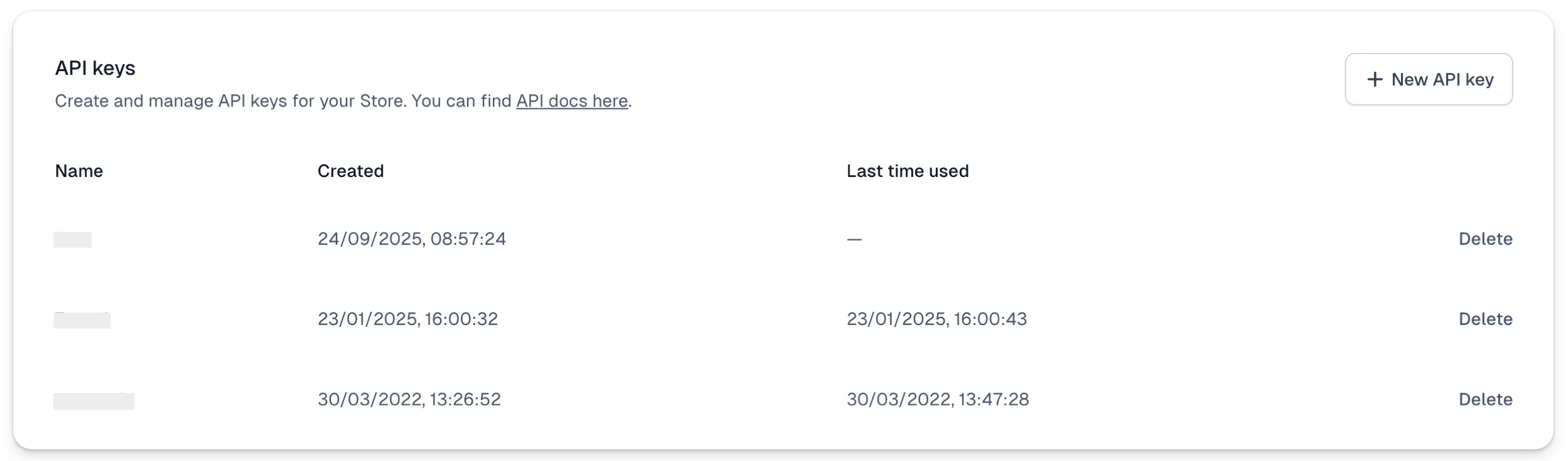
Easytools API is a powerful way to interact with our system programatically or via automations. Thanks to API you can for example bath generate 1000 products in your Store, or assign access to customers in bulk.
Our complete developer API docs is located here.
Create Easytools API key
In order to get your API key:
- Go to Store Settings → API & Webhooks section.
- Click on +New API key.
- Type your custom name and click Create.

Always remember to Copy key and securely store your newly created API key - after you close the API key creation window, you won’t be able to view it again.

Pro tip! Remember, that you can also use most of the Stripe’s API and it will work as expected in Easytools. For example, you can batch generate coupons using Stripe’s API and they will work in Easycart.
Managing API keys
All the API keys you create will be listed in the API & Webhooks tab where you can review or delete them.