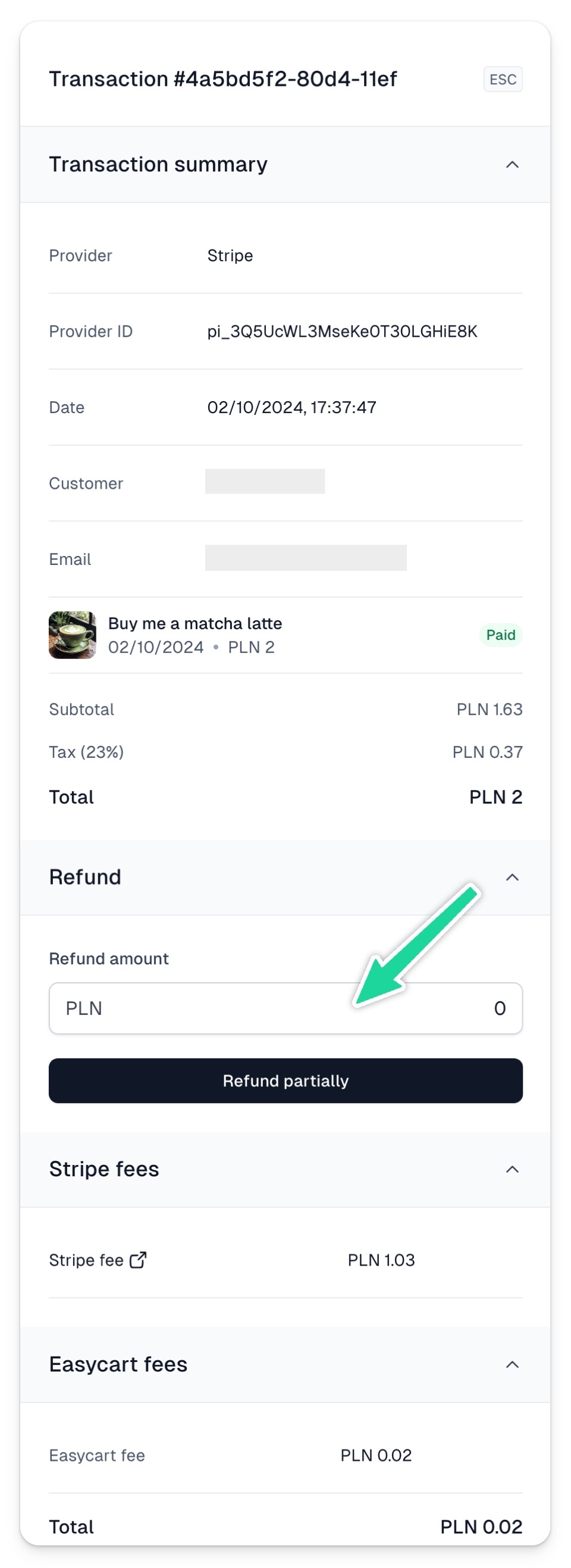
In Easycart, you can easily process a refund to the customer. To do this:
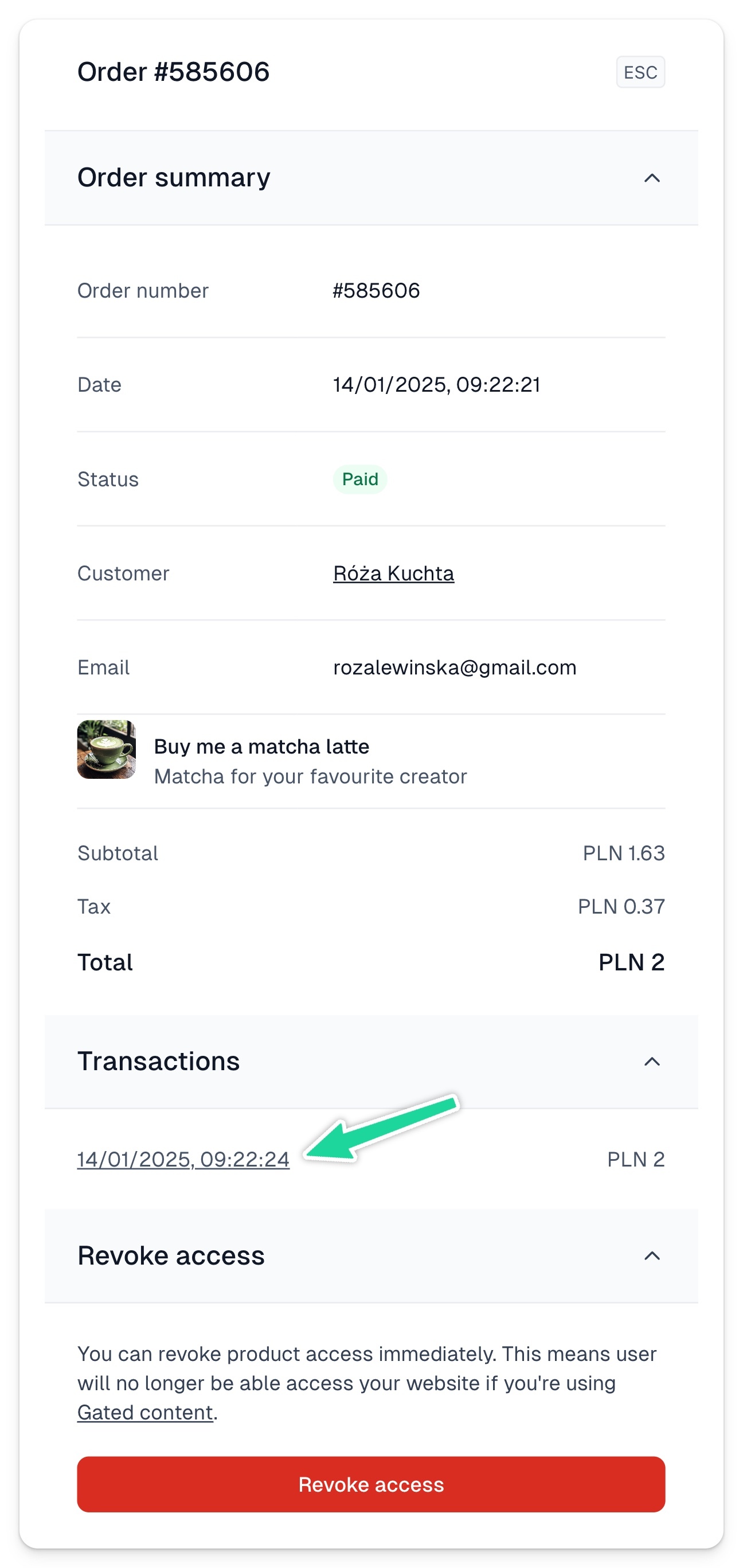
1. Go to the Orders tab in the Store menu. 2. Search for a specific order using its number or the customer’s email address. 3. In the order details, go to the Transactions section and click on the link
4. After clicking the link, a new window will appear where you can issue a full or partial refund