Product Identifier
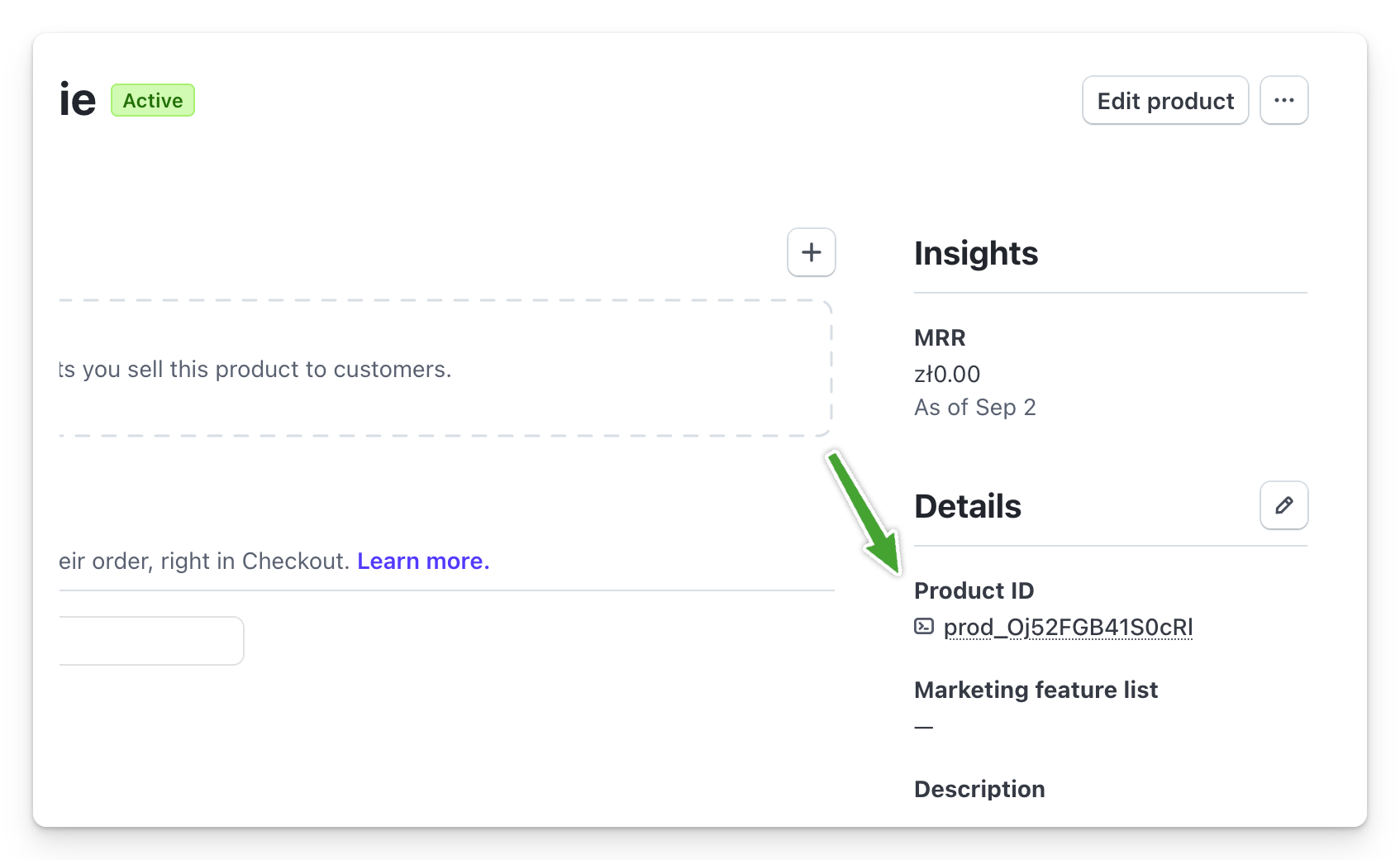
The Stripe product identifier, which starts with price_, can be obtained from your Stripe dashboard, in the products tab, by going to the details of a specific product. You’ll find it on the right side, in the Details section:

Price Identifier
In the same product tab, click on a specific price if you want to obtain its identifier. It will appear in the upper right corner. The price identifier is useful, for example, when you’re using dynamic links to your own price with the help of the API.